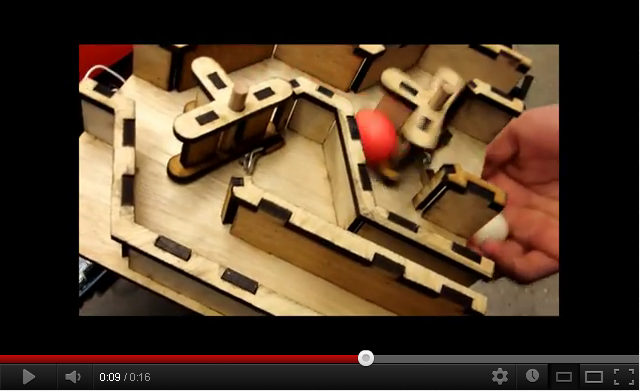
Two-Button Flip-Flop Servo
#include <Servo.h>

Servo myservo;  // create servo object to control a servo


int pos = 90;    // variable to store servo position
int buttonState1 = 0; // to set variables for when button is pressed or not
int buttonState2 = 0; //same as above

void setup()
{
  myservo.attach(8);  // attaches the servo on pin 8 to the servo object
  myservo.write(pos); // restores servo's neutral position
  pinMode(2, INPUT); // sets pin 2 as where data will be inputed
  pinMode(4, INPUT); // sets pin 4 as where data will be inputed

}


void loop()
{ buttonState1 = digitalRead(2); // the data is read digitally by the state of the button and serves as the "input"
  buttonState2 = digitalRead (4);

if (buttonState1 == HIGH){ //basically when the button is pressed.
  //when the button is pressed, connects the circuit, so the signal, which is voltage, goes back to the arduino.

  /**if( pos > 30)--pos; //this is a commented out section. Not very good for the flip-flop purpose
    myservo.write(pos);**/
    myservo.write(15);   //this means to turn the servo CCW to a certain position.
                         // The CCW range is from 0 to 90
    delay(10);           // you should also play around with delay times (the number is milliseconds) to increase speed
}

 if (buttonState2 == HIGH){
  /** if( pos < 150) ++pos;
      myservo.write(pos);**/
      myservo.write(165); // Clockwise ranges from 90 to 180
      delay(10);
 }
else{
     myservo.write(pos); //if neither of the buttons are pressed, then
   }                     // the servo should return to the 90 neutral position

}
Except where otherwise noted, content on this wiki is licensed under the following license:CC Attribution-Noncommercial-Share Alike 3.0 Unported


